
You will not be able to trade in this account, but you will be able to see your positions and activity. You can follow these steps to create a read-only account on Apex:
1. Go to Apex’s website
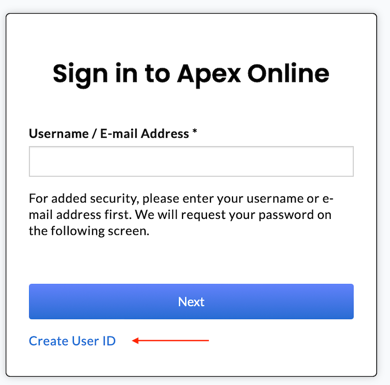
2. Click on Create User ID below the blue Next button
3. Get your account number from Frec. To do this click on your name in the top right > Account settings > Account. Your account number should be listed under Frec account, 8 digits long, consisting of both letters and numbers, and starting with a 3.
4. Enter your SSN, e-mail address, and security question as prompted.
5. Create your username and password.
Please contact us if you have any questions during the process.